Changelog
Latest release updates from the neuland.ai HUB team.
v 1.2.7
Improved Mobile Experience & Prompt Library
With this update, we’re bringing the neuland.ai HUB fully to your smartphone—and making it much easier to work with prompts at the same time.
Completely redesigned mobile view
Many of you use the HUB not only at your desk, but also on the go—whether on the train, between meetings, or at a client’s office. Until now, the mobile experience has been something of a compromise. We’re changing that fundamentally: The entire chat area has been redesigned for mobile devices and now offers the same functionality as the desktop version.
New Navigation
The new navigation menu was developed specifically for touchscreens. With a single tap, you can open all sections—from projects to AI Assistants to settings. And yes, you can now close the menu by tapping outside of it.
A Chat Experience Just Like on Desktop
Start a new chat right away, just like on desktop. Consistency across devices makes the transition seamless—your work picks up right where you left off.
Work smarter with the prompt library
If your team has created a lot of prompts, things can quickly get cluttered. Starting now, you can search for prompts directly in the chat—just type in a keyword and find the right prompt in seconds. In addition, you can now add a description to each prompt so that colleagues can see at a glance what it’s intended for.
Expandable input field
Writing longer prompts used to be a hassle—it was easy to lose track of what you were typing. The new expandable input field can be enlarged with a single click, allowing you to comfortably formulate and edit even complex queries.
We look forward to your feedback—especially regarding the new mobile experience! 🙌
Improvements
Fireflies integration for all users: You can now set up your personal Fireflies connection directly in the integrations as soon as your admin has enabled the feature.
Knowledge libraries with team access: Grant individual team members access to specific knowledge libraries—for greater control and better collaboration.
Links in Web and DeepSearch: Website links are now highlighted in color, and you can add your own links to your searches.
Support for .log files: You can now upload log files and analyze them directly in the HUB.
Password preview during login: With the new eye icon, you can check the password you entered before submitting it.
Faster document processing: We’ve significantly improved upload speeds—your documents are now ready to use faster.
Retry button works: The “Retry” button for failed actions is now fully functional.
Updated branding design: The branding settings feature a fresh, cleaner design.
v 1.2.6
Collections for your knowledge base
Centralise your company’s knowledge and make it instantly available across all projects and chats.
New features
Code Interpreter – The AI analyses your data and generates charts, tables and reports for download – right within the chat.
Collections – Create centralised knowledge repositories and share them with your team for cross-project collaboration.
Code in chat – Insert formatted code blocks with syntax highlighting directly into your messages.
Guided onboarding – New users are now guided step-by-step through the platform.
Further improvements
Completely revamped design with a more modern look and improved navigation
New users can enter their name directly during registration
Dynamically expanding input field for longer prompts
v 1.2.5
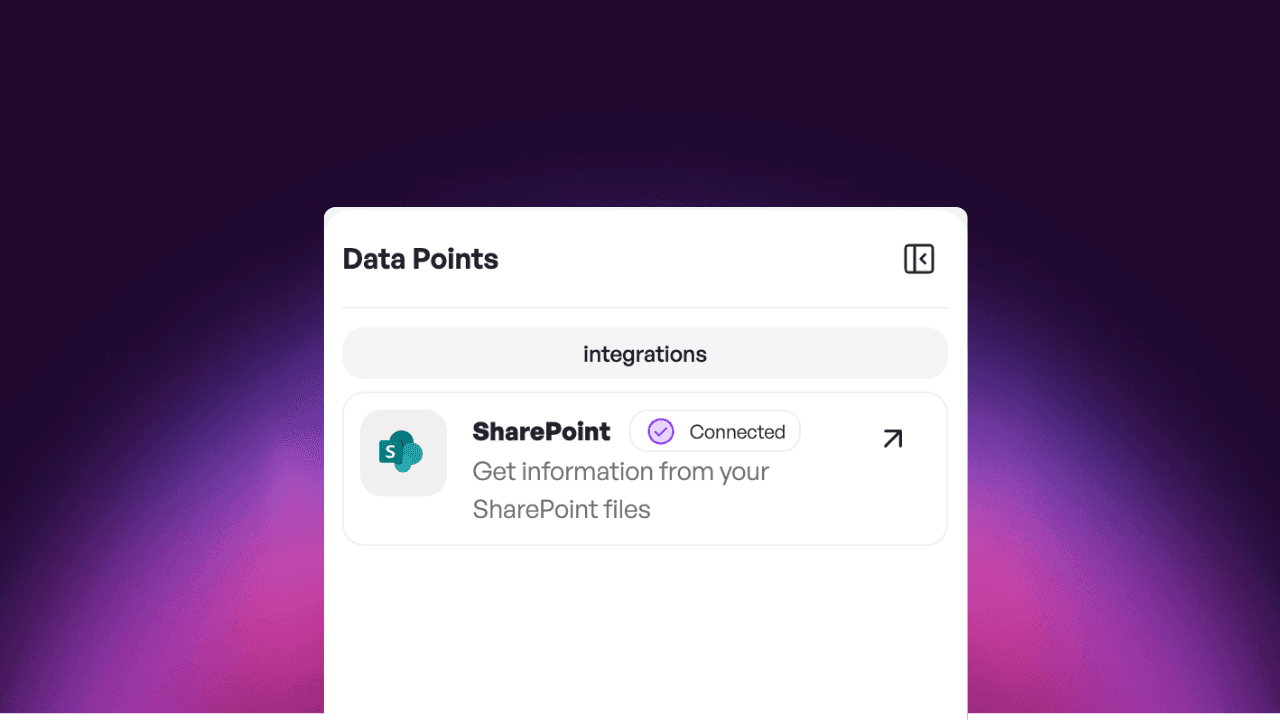
Folder upload and SharePoint synchronisation
Work even more efficiently with your documents – now with folder upload and direct integration with SharePoint.
New features
Folder upload – Upload entire folders with a single click, rather than selecting each file individually.
SharePoint integration – Connect your SharePoint and automatically synchronise documents with the HUB.
Chat control – Manually stop ongoing AI responses at any time if you have already received the information you need.
Further improvements
Optimised user interface for a more consistent user experience
More flexible user rights management for administrators
More reliable document upload for all common file formats
v 1.2.4
Group management for AI apps
Greater control for administrators: precisely control who is allowed to access which AI apps.
New features
Folder upload – Upload entire folders from your computer instead of selecting files individually.
SharePoint synchronisation – Connect your SharePoint libraries and keep documents automatically synchronised.
Stop chat – Manually pause or stop ongoing AI responses at any time.
Multiple super admins – Administrators can now appoint additional super admins and distribute permissions more flexibly.
New design
Uniform dialogues – The pop-ups for ‘Edit project’ and ‘Invite team member’ now appear uniformly on the right-hand side.
Improvements
Modernised UI components – A comprehensively updated interface for a more consistent look and feel.
Workflow editor – Elements can now be arranged using drag and drop.
Bug fixes
DOCX uploads now work reliably
Files no longer get stuck in ‘Pending’ status
MSG files with embedded images are processed correctly
Language settings are retained after logging out
AI app permissions are displayed correctly in the team members view
Chat replies now appear reliably (no more endless loading)
v 1.2.3
Private project chats
Your AI can now search the internet, create files and works even more seamlessly with your
New features
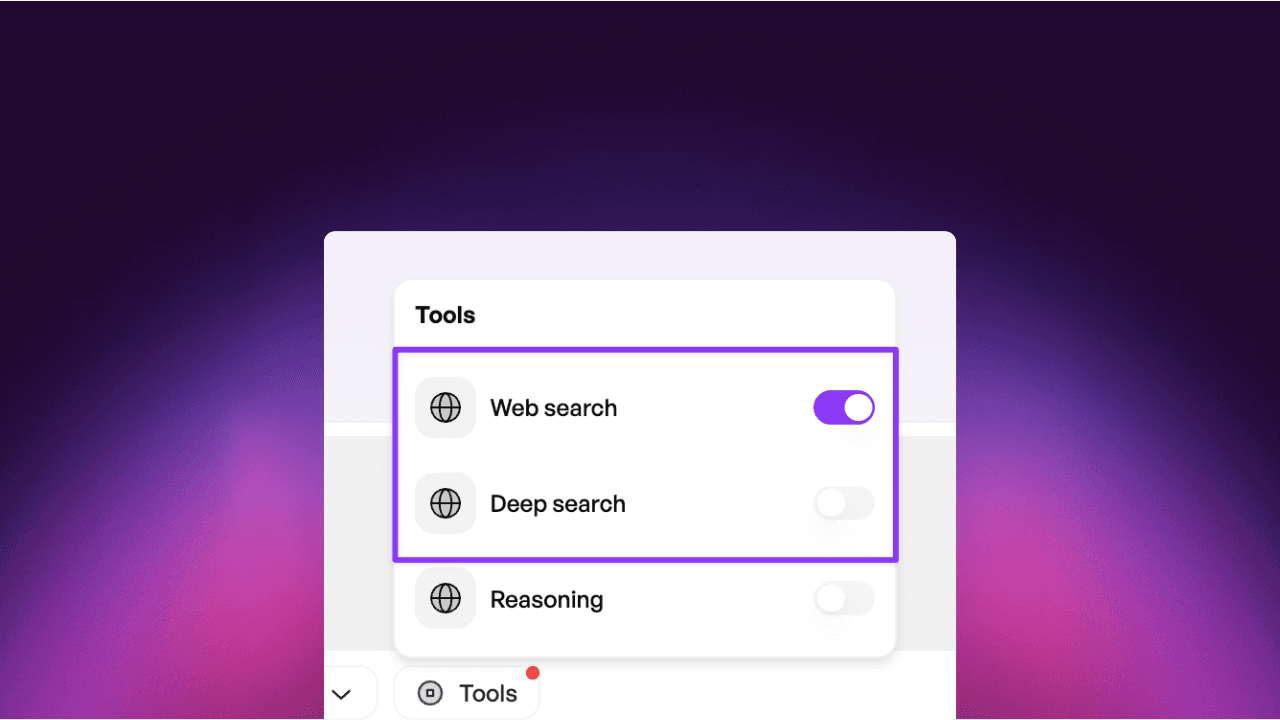
Web search in chat – The AI searches for up-to-date information directly from the internet and provides you with well-researched answers, complete with source references.
File downloads – Have answers, reports and spreadsheets generated as ready-to-download documents.
Azure user groups – Control precisely which teams have access to which AI applications.
Further improvements
More stable and faster connection to SharePoint data sources
Improved real-time document synchronisation
v 1.2.2
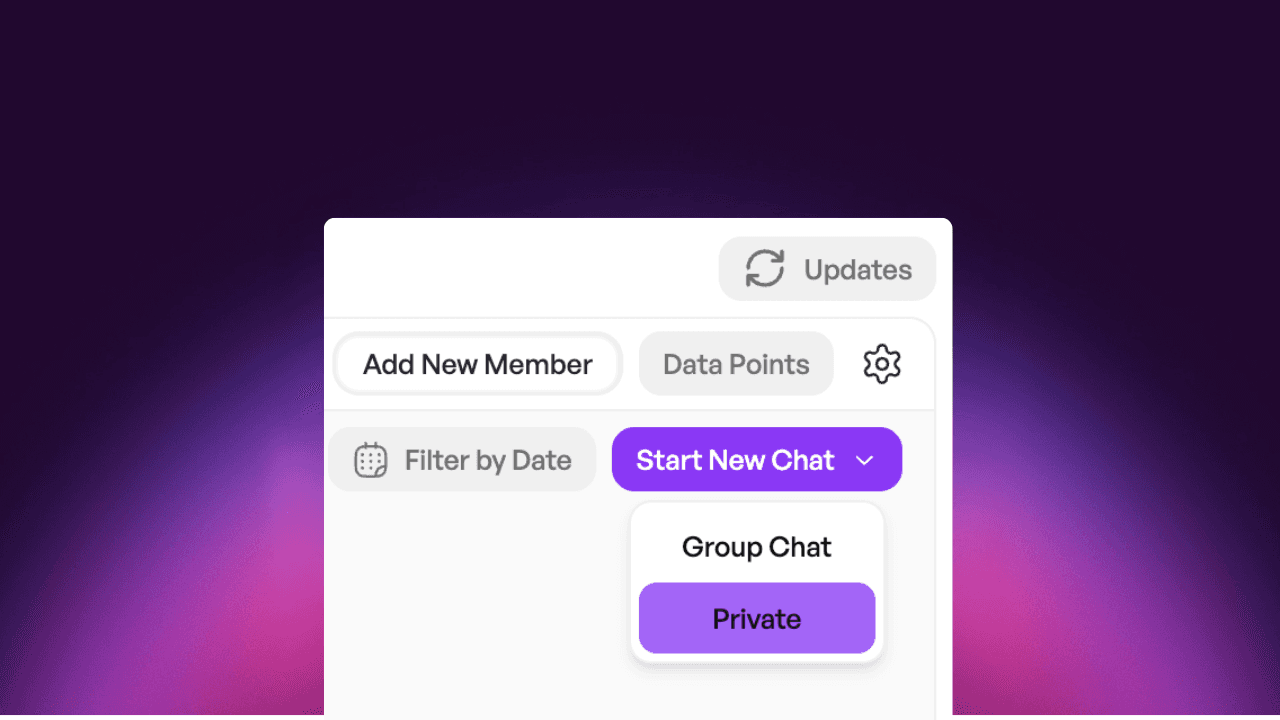
Private project chats
Keep sensitive project discussions private with private chats and share documents in a more targeted way.
New features
Private project chats – Hold confidential discussions in secure chats accessible only to selected team members.
Selective document synchronisation – When connecting to SharePoint, choose exactly which folders and areas you want to synchronise.
Further improvements
Optimised user management for administrators
Revised login page with updated terms of use
v 1.2.6
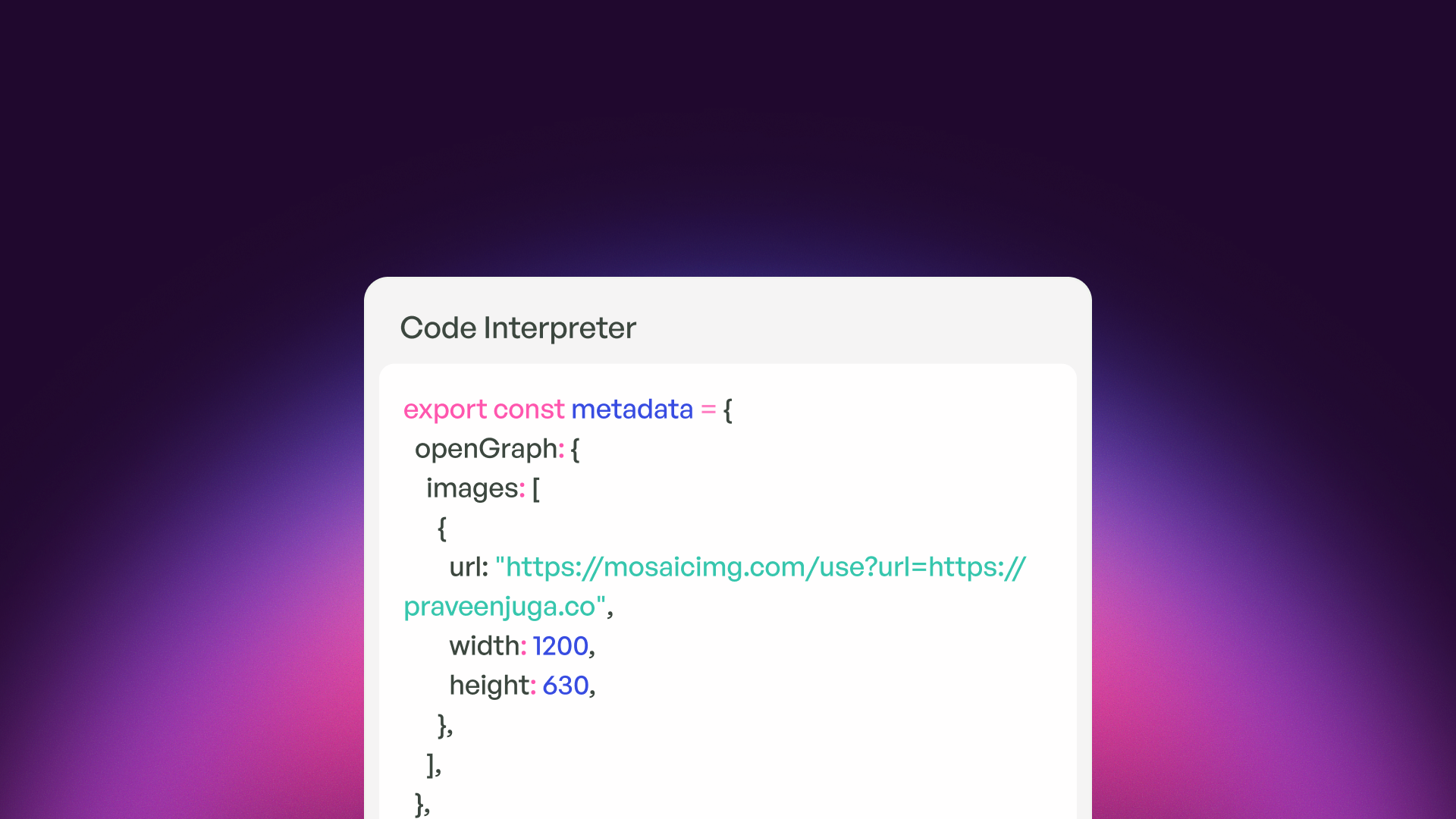
Introducing Code Interpreter
With this release, the HUB receives a code interpreter – the AI can now execute code, analyze data, and create files. Additionally, there is a completely redesigned interface, new collections for documents, and many detailed improvements.
New Features
Code blocks in Chat – Add code directly into messages by using triple backticks (```). Syntax highlighting and drag-and-drop of files included.
Collections – Organise documents into reusable collections and share them with team members within your tenant.
AI-generated files – AI can now create diagrams, tables, and data exports that you can download directly.
Onboarding for trial users – New interactive introduction helps trial users get to know the HUB faster.
Visual Changes
New Design – Updated font, new AI avatars, and a more consistent appearance across the HUB.
Redesigned Sidebar – Better organisation with its own chat search and faster access to all chat types.
Improved Contrast – Folders in projects are now more distinct from the background.
New User Avatar – Quick access to settings and sign out via the profile picture at the top right.
Improvements
Smarter Upload Queue – Files in progress now appear at the top of the list.
Dynamic Input Field – The text field automatically grows with longer prompts.
Better Assistant Cards – Complete descriptions on hover; deleting requires confirmation.
Simplified Invitations – Invite multiple users at once; names are filled in during registration.
Improved Code Presentation – Syntax highlighting with colours for better readability.
Bug Fixes
SharePoint uploads are working reliably again
Language settings are now saved correctly
Occasional chat errors and unexpected logouts resolved
Deactivated users no longer appear on invitation lists